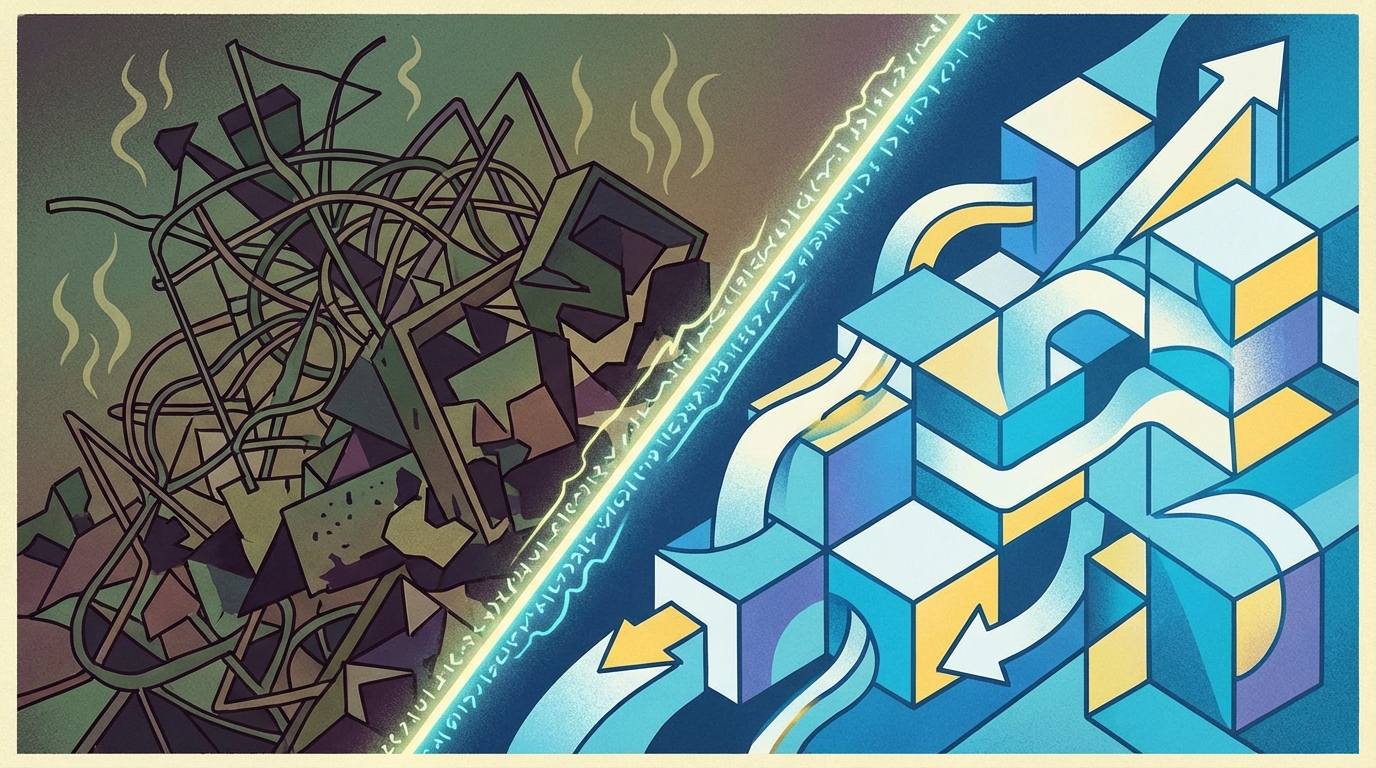
Long Method is one of the Code Smells in the Bloaters category. Its defining characteristic is having far too many lines of code. As a rule of thumb, any function or method exceeding 10 lines should be reviewed to see if it might cause tangled code in the future.
We usually don't notice it happening because we just keep adding new lines into a function or method as requirements grow. But before we know it, the code is as long as a kite string, making future modifications an absolute headache.
Many people might wonder: Doesn't refactoring code and creating more files negatively affect performance? It's true that refactoring often increases the number of files, methods, and other structural elements. However, let's look at it from another angle. When code becomes completely unmaintainable—to the point where you think "it's better to rewrite this entirely," or "just don't touch it," or it's simply impossible to read—isn't it much better to have clean code that you can easily manage and scale without any issues?
The refactoring techniques used to solve the Long Method problem include:
- Extract Method
- Replace Temp with Query
- Introduce Parameter Object
- Preserve Whole Object
- Replace Method with Method Object
- Conditionals and Loops: Decompose
- ConditionalConditionals and Loops: Extract Method
This article will cover the first four techniques: Extract Method, Replace Temp with Query, Introduce Parameter Object, and Preserve Whole Object.
Extract Method
This involves reducing the amount of code by extracting a chunk of it and creating a new method to use instead. (Many modern IDEs actually have a built-in feature for this!)
Problematic Code: You have a block of code dealing with a single, cohesive concept (for example, printing logic) that can easily be separated into a new method.
class Order {
  private String productId;
  private float pricePerQty;
  private float tax;
  private float totalPrice;

  public void addToCart(String productId, float pricePerQty, float tax) {
    this.productId = productId;
    this.pricePerQty = pricePerQty;
    this.tax = tax;
    this.totalPrice = this.pricePerQty + (this.pricePerQty * this.tax);

    // print detail
    System.out.println("product id:" + productId);
    System.out.println("price per qty:" + pricePerQty);
    System.out.println("tax:" + tax);
    System.out.println("totalPrice:" + totalPrice);
  }
}
Problematic Code Usage
public static void main(String[] args) {
  Order order = new Order();
  order.addToCart("P01", 100, 0.03f);
}
Refactored Code: Separate that cohesive block of code into its own distinct method.
class Order {
  private String productId;
  private float pricePerQty;
  private float tax;
  private float totalPrice;

  void addToCart(String productId, float pricePerQty, float tax) {
    this.productId = productId;
    this.pricePerQty = pricePerQty;
    this.tax = tax;
    this.totalPrice = this.pricePerQty + (this.pricePerQty * this.tax);

    printCartDetail(this.productId, this.pricePerQty, this.tax, totalPrice);
  }

  void printCartDetail(String productId, float pricePerQty, float tax, float totalPrice) {
    System.out.println("product id:" + productId);
    System.out.println("price per qty:" + pricePerQty);
    System.out.println("tax:" + tax);
    System.out.println("totalPrice:" + totalPrice);
  }
}
Refactored Code Usage
public static void main(String[] args) {
    Order order = new Order();
    order.addToCart("P01", 100, 0.03f);
}
Replace Temp with Query
This technique reduces the use of local variables inside a method by relying on a helper method instead.
Problematic Code: Creating a local, temporary variable to store the result of a calculation, and then using that variable later in the code.
class Order {
  private int qty;
  private float pricePerQty;
  private float tax;

  float calculateTotalPrice(int qty, float pricePerQty, float tax) {
    this.qty = qty;
    this.pricePerQty = pricePerQty;
    this.tax = tax;

    float productPrice = qty * pricePerQty;
    float productTax = productPrice * tax;
    float totalPrice = productPrice + productTax;

    return totalPrice;
  }
}
Problematic Code Usage
public static void main(String[] args) {
  Order order = new Order();
  order.calculateTotalPrice(1, 100, 0.03f);
}
Refactored Code: Move the logic of those temporary variables into a separate method, and simply call that method whenever you need the value.
class Order {
  private int qty;
  private float pricePerQty;
  private float tax;

  float calculateTotalPrice(int qty, float pricePerQty, float tax) {
    this.qty = qty;
    this.pricePerQty = pricePerQty;
    this.tax = tax;

    float totalPrice = productPriceWithTax(qty, pricePerQty, tax);
    return totalPrice;
  }

  float productPriceWithTax(int qty, float price, float tax) {
    return qty * price + (qty * price * tax);
  }
}
Refactored Code Usage
public static void main(String[] args) {
  Order order = new Order();
  order.calculateTotalPrice(1, 100, 0.03f);
}
Introduce Parameter Object
When you find yourself passing the exact same group of parameters repeatedly across multiple methods, you can fix this by creating a dedicated class (an object) to store that data. You then pass this object instead of the long list of individual parameters.
Problematic Code: Repeatedly calling the same set of parameters across several methods.
class Order {
    public void addToCart(String productId, Integer productQty, String userId) {
      ...
    }
    public void updateProductInCart(String productId, Integer productQty, String userId) {
      ...
    }
}
Problematic Code Usage
public static void main(String[] args) {
  Order order = new Order();
  order.addToCart("Beer", 1, "Admin");
  order.updateProductInCart("Beer", 5, "Admin");
}
Refactored Code: Create a new class to store the data, and use it as the method parameter instead of the old parameter list.
class Order {
  public void addToCart(OrderDetailItem item) {
    ...
  }
  public void updateProductInCart(OrderDetailItem item) {
    ...
  }
}

class OrderDetailItem {
  private String productId;
  private Integer productQty;
  private String userId;

  public OrderDetailItem(String productId, Integer productQty, String userId) {
    this.productId = productId;
    this.productQty = productQty;
    this.userId = userId;
  }
}
Refactored Code Usage
public static void main(String[] args) {
  Order order = new Order();

  OrderDetailItem addOrderDetailItem = new OrderDetailItem("Beer", 1, "Admin");
  order.addToCart(addOrderDetailItem);

  OrderDetailItem updateOrderDetailItem = new OrderDetailItem("Beer", 1, "Admin");
  order.updateProductInCart(updateOrderDetailItem);
}
Preserve Whole Object
This occurs when you extract specific values from an object, store them in temporary variables, and then pass those variables into a method. You can fix this by simply passing the entire object.
Problematic Code & Usage: You can see that values are extracted from the userLocation object first, and those temporary variables are passed on for further use.
private UserLocation userLocation = new UserLocation();

...

public static void main(String[] args) {
  City masaraCity = new City();

  ...

  double latitude = userLocation.getLatitude();
  double longitude = userLocation.getLongitude();

  boolean isCityNearby = masaraCity.nearbyUser(latitude, longitude);
}

class City {
  boolean nearbyUser(double latitude, double longitude) {
    ...
  }
}

class UserLocation {
  private double latitude;
  private double longitude;

  public double getLatitude() {
    return latitude;
  }
  public double getLongitude() {
    return longitude;
  }
}
Refactored Code & Usage: Instead of creating variables to hold the values before passing them, just send the whole object through the parameter.
UserLocation userLocation = new UserLocation();

...

public static void main(String[] args) {
  City masaraCity = new City();

  ...

  boolean isCityNearby = masaraCity.nearbyUser(userLocation);
}

class City {
  boolean nearbyUser(UserLocation userLocation) {
    ...
  }
}

class UserLocation {
  double latitude;
  double longitude;

  public double getLatitude() {
      return latitude;
  }
  public double getLongitude() {
      return longitude;
  }
}
I'll save the remaining three techniques for the next article! :)